Network features I wish i’d used sooner
At a glance:
- VLAN segmentation lets you isolate IoT devices, printers and storage on separate virtual subnets for security and speed.
- 10 GbE wired links between NAS, router and Wi‑Fi 7 access points remove Ethernet bottlenecks that slow local traffic.
- Mesh Wi‑Fi with Wi‑Fi 6E/7 radios gives consistent coverage and frees the crowded 2.4 GHz band for legacy devices.
Network segmentation
Virtual local area networks (VLANs) are more than a second Wi‑Fi password. By assigning printers, network‑attached storage (NAS) and IoT gadgets to their own virtual subnets, you prevent unnecessary cross‑talk and reduce broadcast noise. The author notes that his smart‑home devices should never be able to open ports to the internet or talk directly to his file servers, a restriction that VLANs enforce cleanly. Besides security, keeping high‑traffic devices on separate VLANs can improve latency for phones and laptops because they no longer compete with chatter from low‑priority gadgets.
Setting up a guest network is the simplest entry point, but the real power lies in creating multiple VLANs for distinct device classes. Modern home routers and managed switches now include intuitive web‑UIs that guide you through VLAN ID assignment, DHCP scope configuration and inter‑VLAN routing rules, making the process approachable for enthusiasts without enterprise‑level expertise.
Separate network appliances
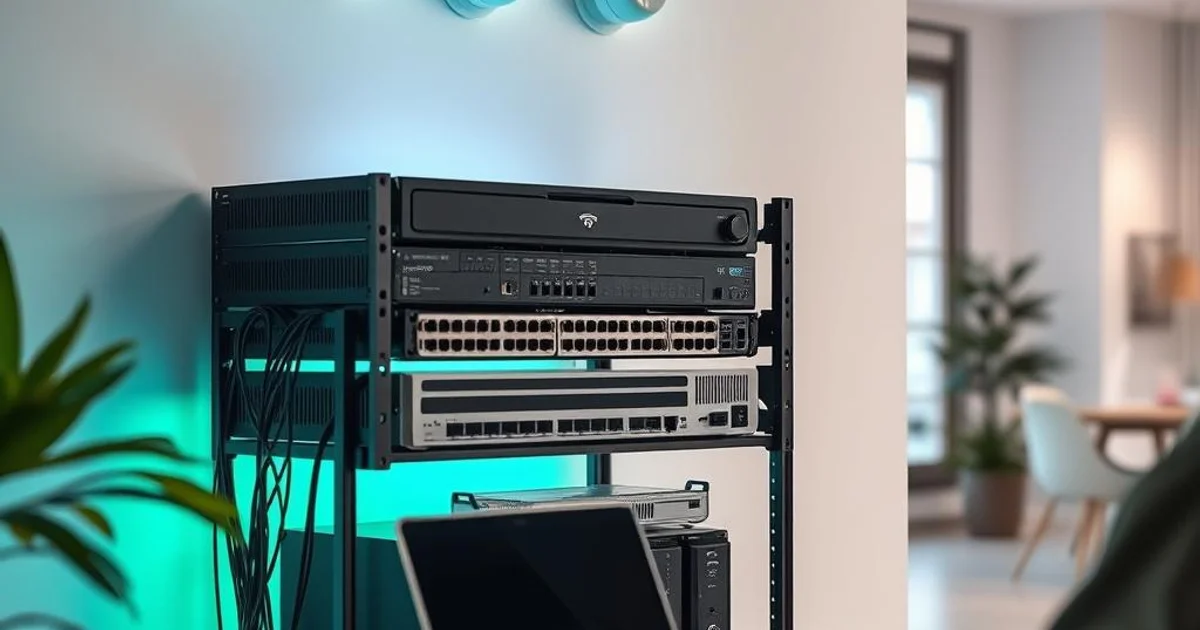
Most ISPs ship a combo modem‑router‑wireless access point that they can update remotely, but this all‑in‑one box is a compromise. The author moved the ISP‑provided device into bridge mode and introduced a dedicated hardware firewall, a standalone router and wired access points. This separation mirrors enterprise practice: the firewall handles deep packet inspection, the router focuses on routing and NAT, while the APs deliver wireless coverage.
Today’s consumer‑grade firewalls and routers are far more user‑friendly than a decade ago. Many guide you step‑by‑step through bridge mode, VLAN creation and firmware upgrades, reducing the perceived complexity that once kept hobbyists locked into ISP gear.
10 GbE wired speeds
For years the author believed Wi‑Fi was sufficient and kept most Ethernet links at 1 GbE or 2.5 GbE. After upgrading his motherboard and adding a faster Wi‑Fi 7 AP, he discovered that the NAS‑to‑router link was the real bottleneck. Replacing that segment with a 10 GbE cable instantly boosted file transfers and reduced latency for local services.
He now runs a mixed environment: 2.5 GbE where devices can’t support faster speeds, and 10 GbE for the NAS and Wi‑Fi 7 APs. While enterprise data centers already run 25‑100 GbE, a gradual rollout of 10 GbE in a home lab delivers noticeable performance gains without the cost of a full‑blown upgrade.
Hardware firewalls
Relying on the router’s built‑in firewall and OS‑level host firewalls is no longer enough in today’s threat landscape, especially for IoT gadgets that lack their own security stack. A dedicated hardware firewall can host antivirus, intrusion‑prevention modules, custom DNS filtering and extensive logging.
The author cites a misbehaving smart TV that flooded the network with broadcast requests. By moving the TV onto an isolated VLAN and applying firewall rules, the traffic was effectively black‑holed, revealing the root cause of the slowdown that had previously been blamed on 4K streaming.
Mesh Wi‑Fi
Single‑router setups struggle to provide uniform coverage in multi‑story homes. Mesh systems, such as those from Eero, Amplifi or Asus AiMesh, place a small AP on each floor, creating a single SSID that the client devices roam across seamlessly. The author experimented early with an Asus router flashed with Asuswrt‑Merlin and later adopted a true mesh kit, noting the dramatic improvement in signal consistency.
Modern mesh kits are plug‑and‑play: they auto‑configure backhaul links, balance loads, and often support wired Ethernet backhaul for the best of both worlds. This eliminates the need to run Ethernet cables between floors while still delivering near‑wired performance for Wi‑Fi‑capable devices.
Wi‑Fi 6E or 7
Wi‑Fi 6E introduced the 6 GHz band, freeing devices from the congested 2.4 GHz and 5 GHz spectra. The author initially dismissed Wi‑Fi 6E because his internet connection was limited by DSL or low‑speed cable, but once he upgraded to gigabit fiber, the extra spectrum made a noticeable difference. Devices operating on 6 GHz experience lower latency and less interference from neighboring networks.
He now runs a couple of Wi‑Fi 7 access points, not out of necessity but to stay current with emerging standards. Wi‑Fi 7 adds features like multi‑link operation and higher order modulation, promising even higher throughput for future devices.
Integrated smart home hubs
Early smart‑home setups required separate dongles for Zigbee, Z‑Wave, Matter or Thread, quickly filling up the limited Ethernet ports on a home router. The author’s recent Eero mesh kit includes built‑in Zigbee and Matter hubs, allowing most smart devices to connect directly without external adapters. Home Assistant runs on his NAS to unify disparate ecosystems, while a spare USB port can host a Z‑Wave dongle if needed.
Having the hub integrated into the router simplifies cable management, reduces latency, and centralises firmware updates. The only missing protocol is Z‑Wave, but the author can add it later via a USB stick, keeping the overall architecture clean and scalable.
Conclusion
Home networking has evolved from clunky, single‑router setups to modular, enterprise‑inspired architectures that are now accessible to enthusiasts. By embracing VLAN segmentation, dedicated appliances, 10 GbE wiring, hardware firewalls, mesh Wi‑Fi, the latest Wi‑Fi standards and integrated smart‑home hubs, users can achieve faster, more secure and easier‑to‑manage networks. The author’s journey illustrates that the biggest gains often come from revisiting fundamentals and adopting features that were once considered “overkill” for a home environment.
FAQ
What is a VLAN and why should I use it in a home network?
Do I really need 10 GbE cables for a typical home setup?
How does a mesh Wi‑Fi system differ from adding multiple routers?
More in the feed
Prepared by the editorial stack from public data and external sources.
Original article